"How to Run an Online Election: A Step-by-Step Guide for Small Organizations"
Every membership organization has one: the person who ends up running the election. Rarely because they asked to. The PTA needs officers by the first general meeting, the club's bylaws say the board turns over in October, the association's annual vote is due — and somebody volunteers, inherits a shoebox ballot box and a sign-in sheet, and spends a late night at a kitchen table with a tally sheet.
If that's you this year, here is the whole process, start to finish. Most of it applies no matter what tool you use. None of it requires anything more technical than a spreadsheet.
Step 1: Settle the rules before you build anything
The decisions that sink elections are the ones made mid-election. Before you touch any software, write one page that answers:
- What is being decided? Which seats, which questions, any bylaw amendments.
- Who is eligible to vote? Members in good standing as of what date? One vote per household or per member?
- How is each question decided? Most seats are simple plurality. Three or more candidates for one seat is where ranked choice earns its keep. Yes/no questions may have their own threshold in your bylaws.
- What do your bylaws require? Notice periods, quorum, and whether electronic voting is permitted for this vote. If the answer isn't obvious, ask before you commit to a method — not after the results are in.
That page becomes your defense if anyone questions the process later.
Step 2: Build the voter roster
This is the least glamorous step and the one that causes the most disputes. The roster — not the ballot — is where elections usually go wrong: duplicates, stale email addresses, people who resigned in March, households listed three times.
Export your member list, then clean it: one row per eligible voter, each with a current email address. Resolve eligibility questions now, while they're hypothetical. A dispute about whether someone may vote is a policy conversation before the election and a fight after it.
Step 3: Build the ballot
Keep it boring. One question per decision. Candidate names spelled the way the candidates spell them. A short, neutral description where a question needs context — and nothing that reads like campaigning.
Then test it: send yourself a ballot and vote. Reading your own ballot the way a voter will catches more mistakes than any checklist. If your members vote in more than one language, this is also the moment to check the translations, not launch day.
Step 4: Schedule the window and invite voters
Give the election an explicit open time, close time, and timezone, and put both in the notice. A voting window of one to two weeks suits most volunteer organizations: long enough that nobody is disenfranchised by a busy weekend, short enough to keep attention.
One thing worth insisting on, whatever platform you use: each voter should get their own single-use voting link, not a shared link anyone could forward. One link, one ballot — once it's used, it can't be used again. That single property eliminates the "someone voted twice" argument before it starts.
Step 5: Let it run — and watch turnout, not results
Once voting opens, your job is participation. Reminders to people who haven't voted yet do more for turnout than anything else you can do; automatic ones (typically at 72 and 24 hours before close) mean nobody has to chase anybody. Watch for bounced invitations — a bounce is notice that didn't arrive, and you want to fix the address while there's still time.
What you shouldn't be able to watch is a running tally. A live count tempts everyone — candidates checking whether they're ahead, organizers wondering whether to nudge one more constituency. A well-run election shows you who has participated while keeping what they chose sealed until close.
Step 6: Close, publish, and keep the record
When the window closes, the count should be arithmetic, not an evening. Publish the results where every member can see them, including vote totals per candidate — "trust us" is not a result. Then file the record with the minutes: the roster you used, the notice you sent, turnout, and the results themselves.
The strongest version of this is a published results page each voter can check for themselves — including a receipt code they can match to confirm their own ballot was counted, without anyone learning how they voted.
The short checklist
- Rules written down, bylaws checked
- Roster cleaned — one row per eligible voter
- Ballot built and test-voted
- Open/close times set, notice sent
- Unique single-use link per voter
- Automatic reminders on; bounces fixed
- Results published with totals, receipts verifiable, record filed
Where Fast Elections fits
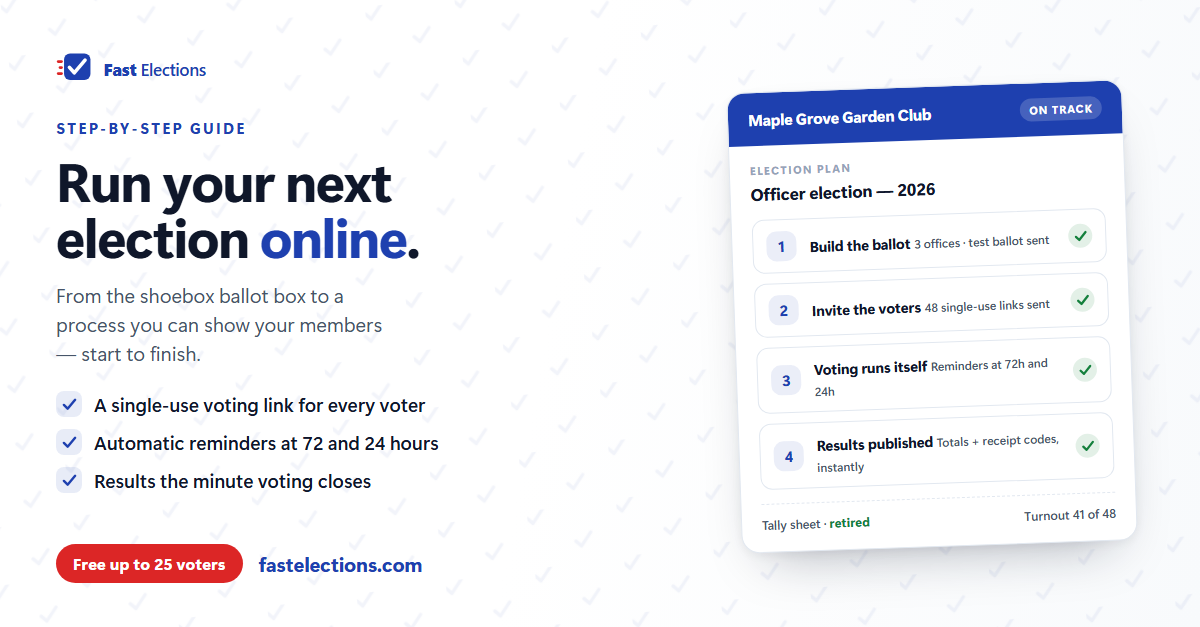
We built Fast Elections around exactly this process. You build the roster and the ballot, set the schedule, and the election runs itself: invitations go out at the open time, each voter gets a one-time voting link, reminders go to non-voters at 72 and 24 hours before close, and results are computed the moment voting ends — publishable at a link with a receipt code strip voters can check themselves. Ballots are secret by construction: nothing in the product connects a person to their choices, for us or for you.
Pricing is per election, not a subscription — free for up to 25 voters, $19 up to 300.
If you have an election coming up, you can build it in Fast Elections for free and see exactly what your voters will experience before paying anything.